
How to Automate TradingView Strategies
I’ve been using TradingView since 2017, and a lot has changed in that time.
I began coding Pine Script when it was in version 3 of its syntax. It was pretty bare-bones, and there was no way to automate TradingView scripts as far as I’m aware.
Well, a lot has changed since then.
Pine Script is now deep into Version 5 of its iteration with a lot more sophistication added to it, and for the past year or so I’ve been automating some of my TradingView strategies using a 3rd-party alert webhook tool called PineConnector.
What Is PineConnector?
TradingView do not currently offer any way to execute or manage open trades through Pine Script directly.
So to achieve this, systematic algorithmic traders need to use 3rd party tools.
PineConnector is one of these tools – and probably the best one in my opinion.
PineConnector is a MetaTrader Expert Advisor which acts as a bridge between TradingView and a brokerage account.
You can sign up for a free 2-week trial here.
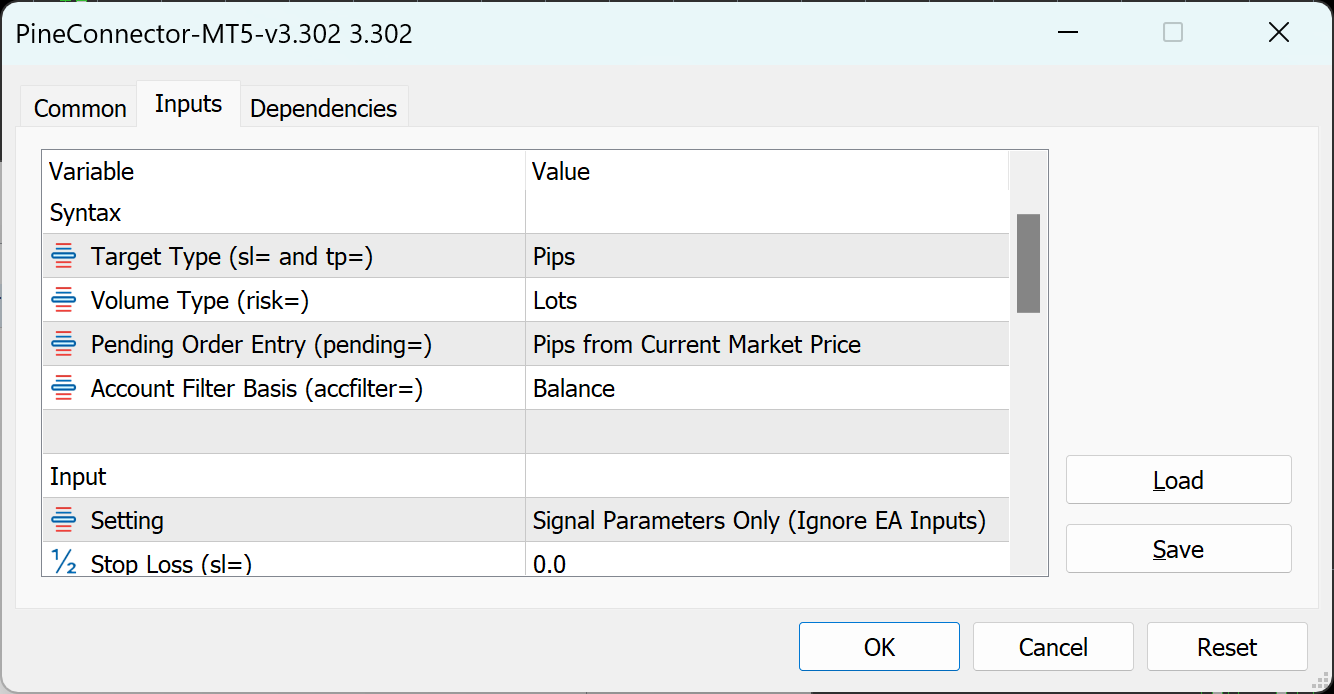
It can trade anything your broker allows you to trade through MetaTrader 4 or MetaTrader 5.
Typically that will be limited to forex and CFDs on various stocks, commodities, indexes and crypto.
Now, before we continue – this is not financial advice. I am not a financial advisor and I’m not qualified to tell anyone to what to do with their money. All I can do is speak from personal experience and let you know the pros and cons of my experiences with PineConnector trading my money.
Make sure to read the disclaimer below – it may be boring, but it’s important.
With that said, I’ve not had any major issues with PineConnector and it’s been consistently making me money for months. There are dangers with this tool, as with any trading tool – and the old adage “garbage in, garbage out” has never applied more literally than with automated trading tools – but the tool does work as advertised.
The hard work is not automating trading strategies, but rather developing consistently profitable and robust trading systems in code. Telling the computer how to execute trades is the easy part – developing a system that makes money is the true systematic trader’s lifelong craft and what separates the winners from the losers.
But when it comes to PineConnector – assuming a trader is experienced and knows their way around Pine Script – it is by far the easiest tool I’ve used to automate TradingView scripts since these tools began popping up all over the internet thanks to the crypto and trading tech boom that has unfolded since I first began trading.
The way PineConnector works is simple: after installing it into MetaTrader and inputting some basic parameter settings, all that’s required is to plug in a webhook URL into the TradingView alert panel.

Once this is done, any set alerts which trigger will be relayed to PineConnector and executed as trade management commands in MetaTrader within less than a second (depending on latency – more on that later).
Integrating PineConnector into Pine Script
Integrating PineConnector commands into Pine Script couldn’t be simpler.
I’ve created a free open-source library script you can import into any Pine Script indicator or strategy and relay commands directly to PineConnector with as little as a single line of code.
You can access the source code to this library here, and to use it in a script simply import it with this line of code:
import ZenAndTheArtOfTrading/PineConnector/1 as pc
I’ve recorded a full video guide tutorial on how to leverage this library in your scripts, including an example strategy script to demonstrate its basic functionality.
You can access this tutorial and example usage script here.
As mentioned, automating trade management commands in Pine Script with PineConnector is the easy part.
You can open and close a trade with just a few lines of code:
//@version=5
strategy("Strategy script")

import ZenAndTheArtOfTrading/PineConnector/1 as pc

bool longCondition = ta.crossover(ta.ema(close, 50), ta.ema(close, 100))
if (longCondition)
    pc.buy("LicenseID")

bool exitCondition = ta.crossunder(ta.ema(close, 50), ta.ema(close, 100))
if (exitCondition)
    pc.closelong("LicenseID")
That code will trigger an alert to PineConnector to buy an EMA crossover and sell an EMA crossunder (assuming PineConnector is set up correctly over on MetaTrader):

The hard part is developing robust, consistently profitable trading strategies.
If you’re new to Pine Script I highly recommend checking out my 100% free no-strings-attached Pine Script Basics Course.
I also have a full comprehensive 50+ hour course with 50+ 5-star reviews teaching you everything I know about Pine Script in my Mastery Course.
And finally, if you’re already experienced enough with Pine to get started automating strategy scripts, you can check out the documentation and detailed setup guide for PineConnector here.
It’s really easy to get started, so I won’t explain more here – their guide is fantastic and their support team are A-grade.
But once you’re set up, feel free to stop by my YouTube channel or tutorial website any time for video guides and examples on how to integrate the various features PineConnector offers into your script code.
Take care and good luck out there!
Kind regards,
Matt.


